The resident’s private furniture
Many residents arrive with their own furniture and belongings: an armchair, a television, picture frames, a bookcase, a personal wheelchair… WideCare keeps a simple inventory of them on the resident’s record, so the house always knows what was brought in and what was taken back.
Where to find the inventory
Open the resident’s record (Nursing Home → Residents → All Residents).
Go to the Stay Agreement tab.
Scroll down to the Resident Furniture section, below the stays.
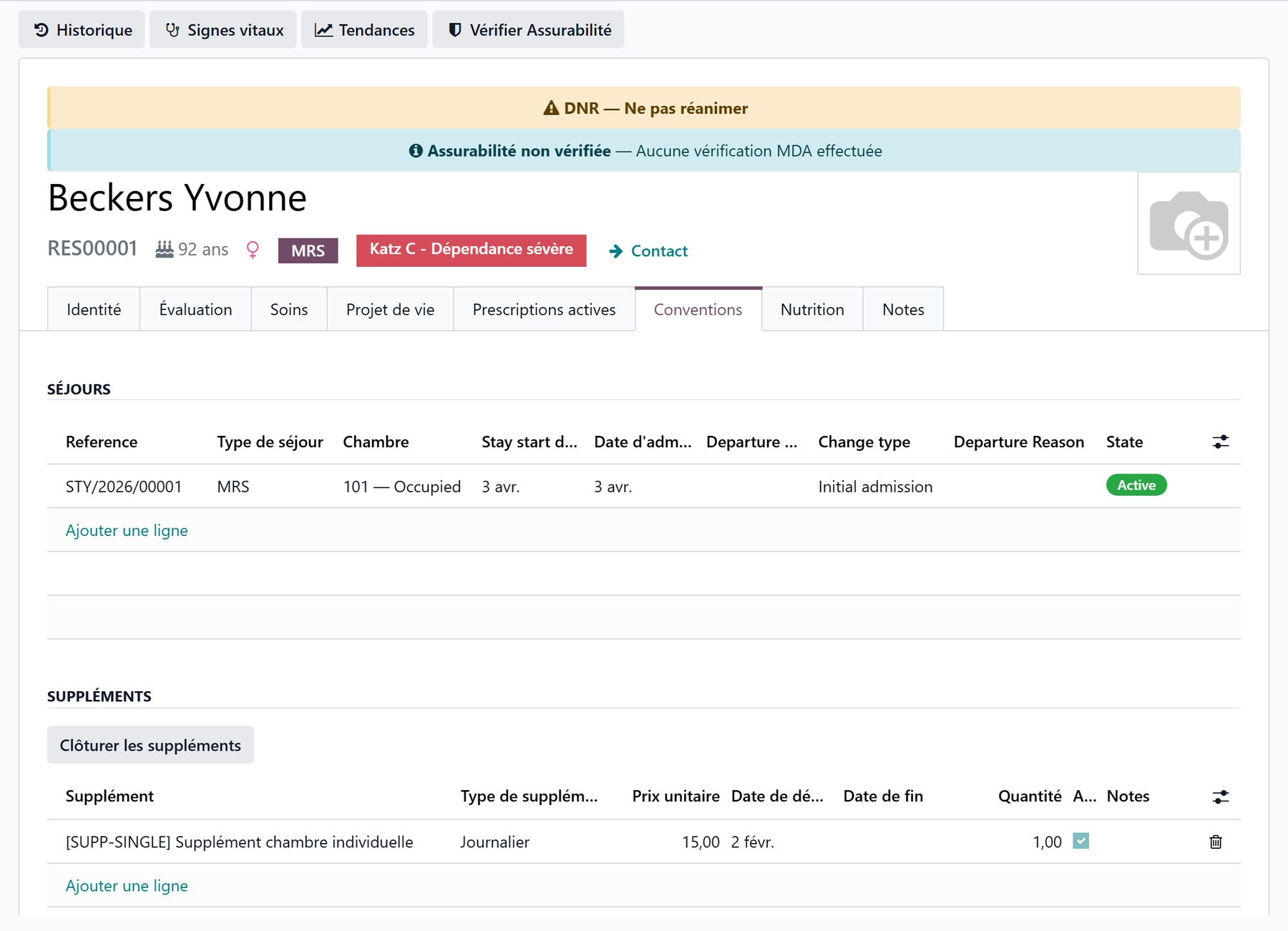
The section is hidden for someone who lives at home and only comes by day, unless a line was already recorded for them.
Adding an item
The list is edited in place:
Click Add a line at the bottom of the section.
Fill in the Description (required) — for example “Leather recliner armchair” or “32-inch television with wall mount”.
Add a Comment if useful — “Brought in by the family”, “Owned by the resident, upkeep at their expense”.
The Date is today’s; adjust it to the day the item came in.
Save the record.
Fill it in at move-in
A new stay opens the Update the resident’s private inventory task of the move-in procedure: it is the moment to list what came with the resident, alongside the condition report.
When an item is taken back
Do not delete the line: archive it, so the house keeps the record that the item was brought in.
Show the Active column with the column selector at the right of the table header.
Untick Active on the line.
Save.
The item leaves the inventory shown on the record.
Archive rather than delete
Deleting a line erases it for good. Unticking Active takes the item out of the current inventory while keeping the trace of what the resident had brought.
The inventory follows the resident
The inventory belongs to the resident, not to the room or the stay:
on a room change, the list does not move — nothing to copy over;
on a transfer between sectors, it follows the resident too.
Key takeaways
The inventory sits on the resident’s record, Stay Agreement tab, Resident Furniture section.
One line per item: Description (required), Comment, Date.
An item taken back is archived (Active unticked), not deleted.
The list follows the resident from room to room.